SQL that knows your schema
Get context-aware suggestions for tables and columns, run the statement under your cursor and keep useful scripts close at hand.
Query, explore and compare data across your database connections in one focused desktop workspace, with a first-class home for Informix.
Available for Windows, macOS and Linux
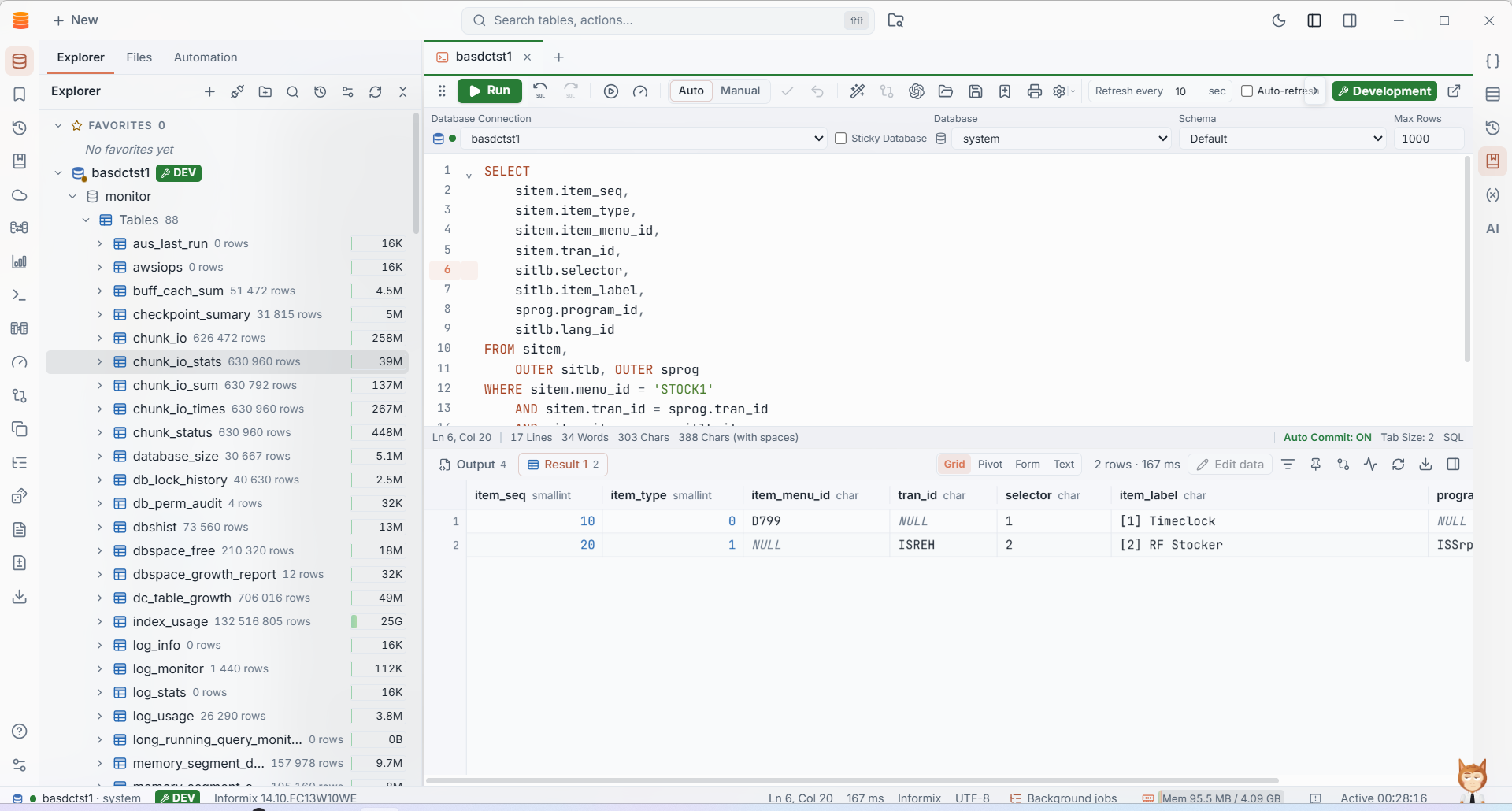
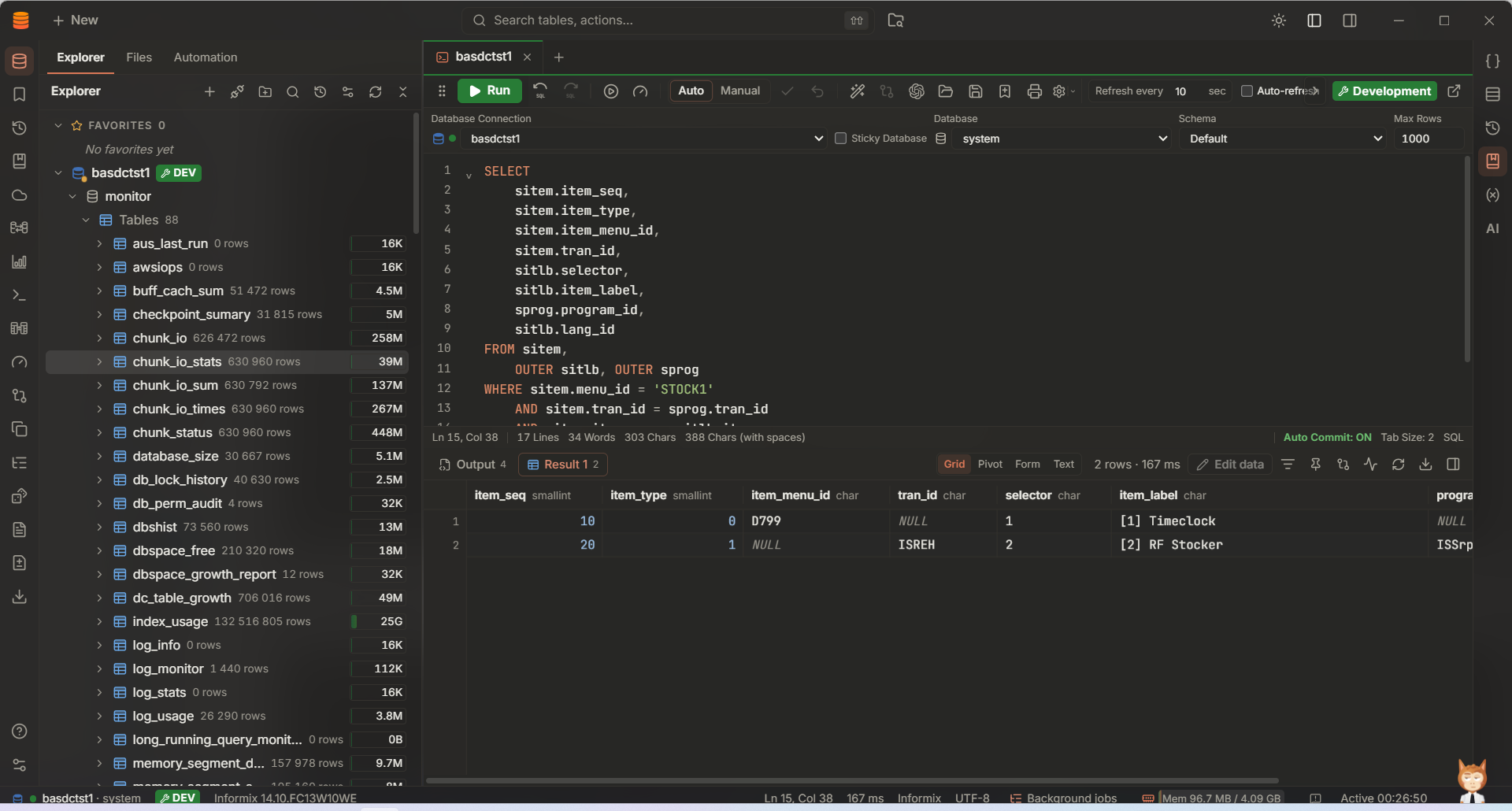
Keep your connections, SQL, schema and results together. IMS is designed to stay responsive while you work with real databases and large result sets.
Get context-aware suggestions for tables and columns, run the statement under your cursor and keep useful scripts close at hand.
Browse tables, filter and sort rows, follow foreign keys and make reviewed edits in a transaction.
Compare schemas across connections and compare result sets to spot changed, added or missing rows.
Pin results, filter what you have loaded and export data to CSV, Excel, JSON, SQL and other common formats.
Run shell scripts over SSH on Linux, AIX, macOS and other POSIX hosts. Run SQL jobs in the background or on a schedule, then export results to files.
Use optional AI assistance, the command-line interface or the MCP server with configurable permissions.
See how IMS brings everyday database tools together. These are screenshots from the application.
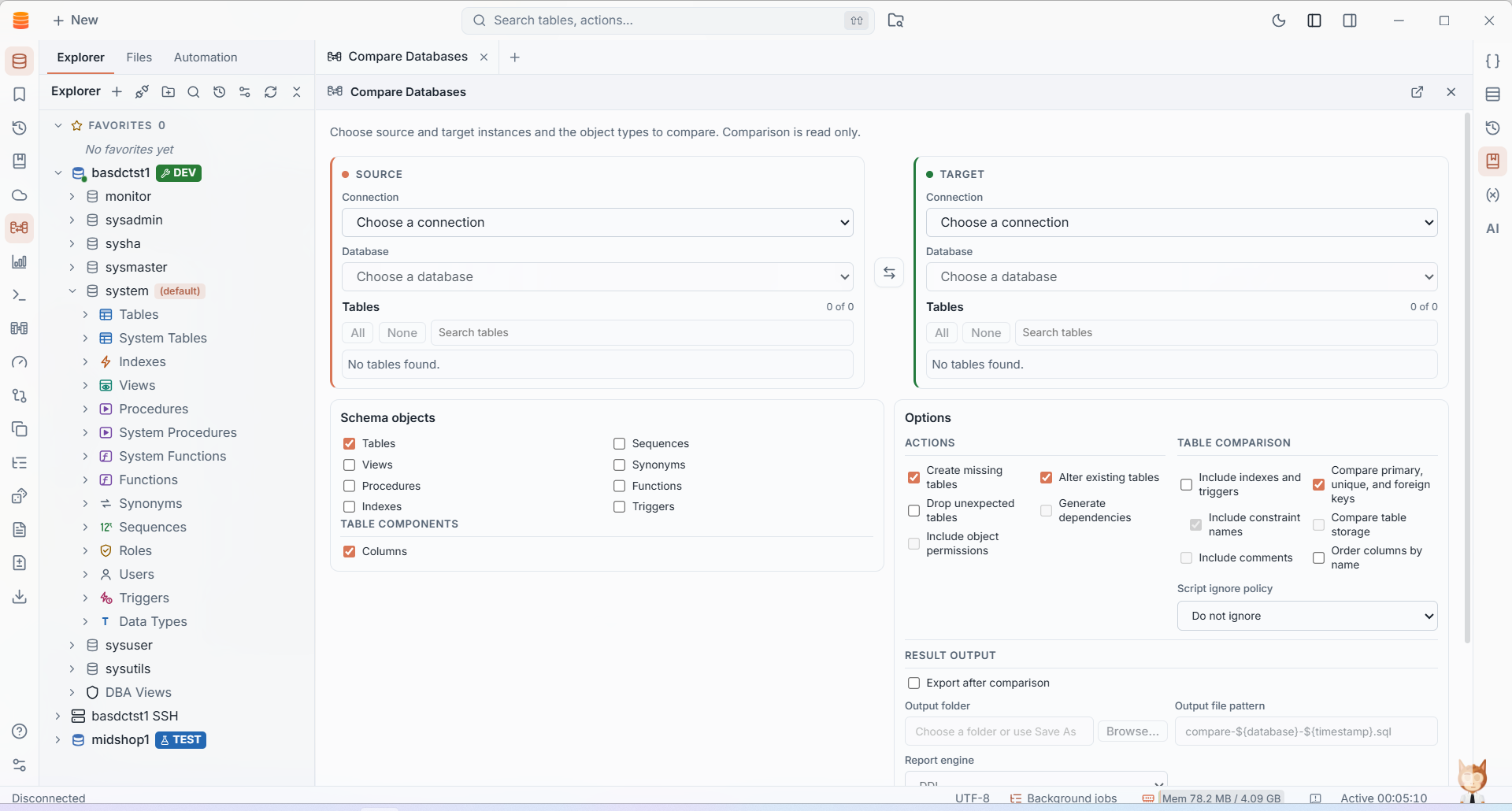
Choose source and target connections, select schema objects and review comparison options before producing a migration script.
Schema comparison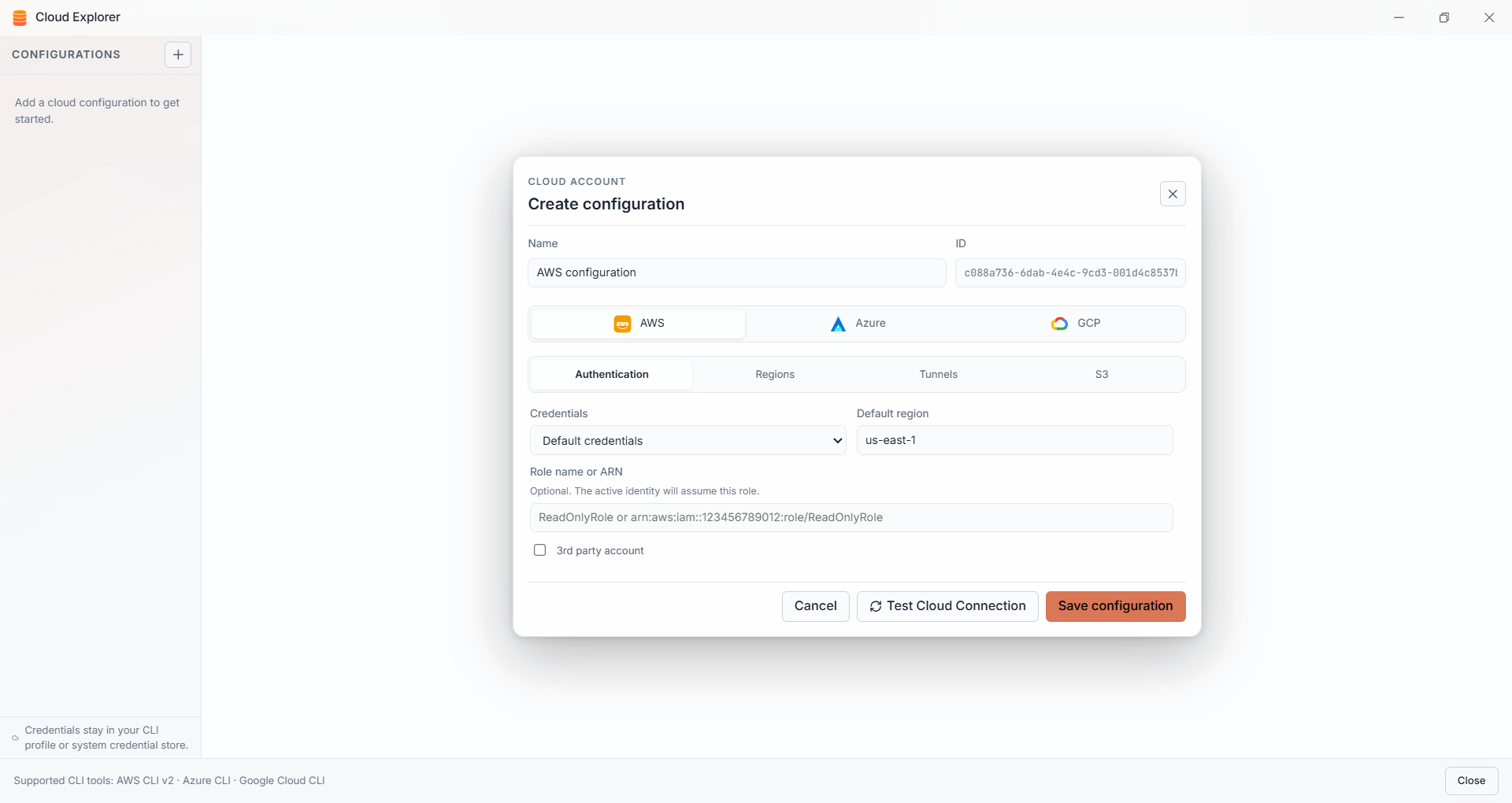
Bring supported AWS, Azure and Google Cloud configurations into the same navigator used for your database connections.
AWS · Azure · Google Cloud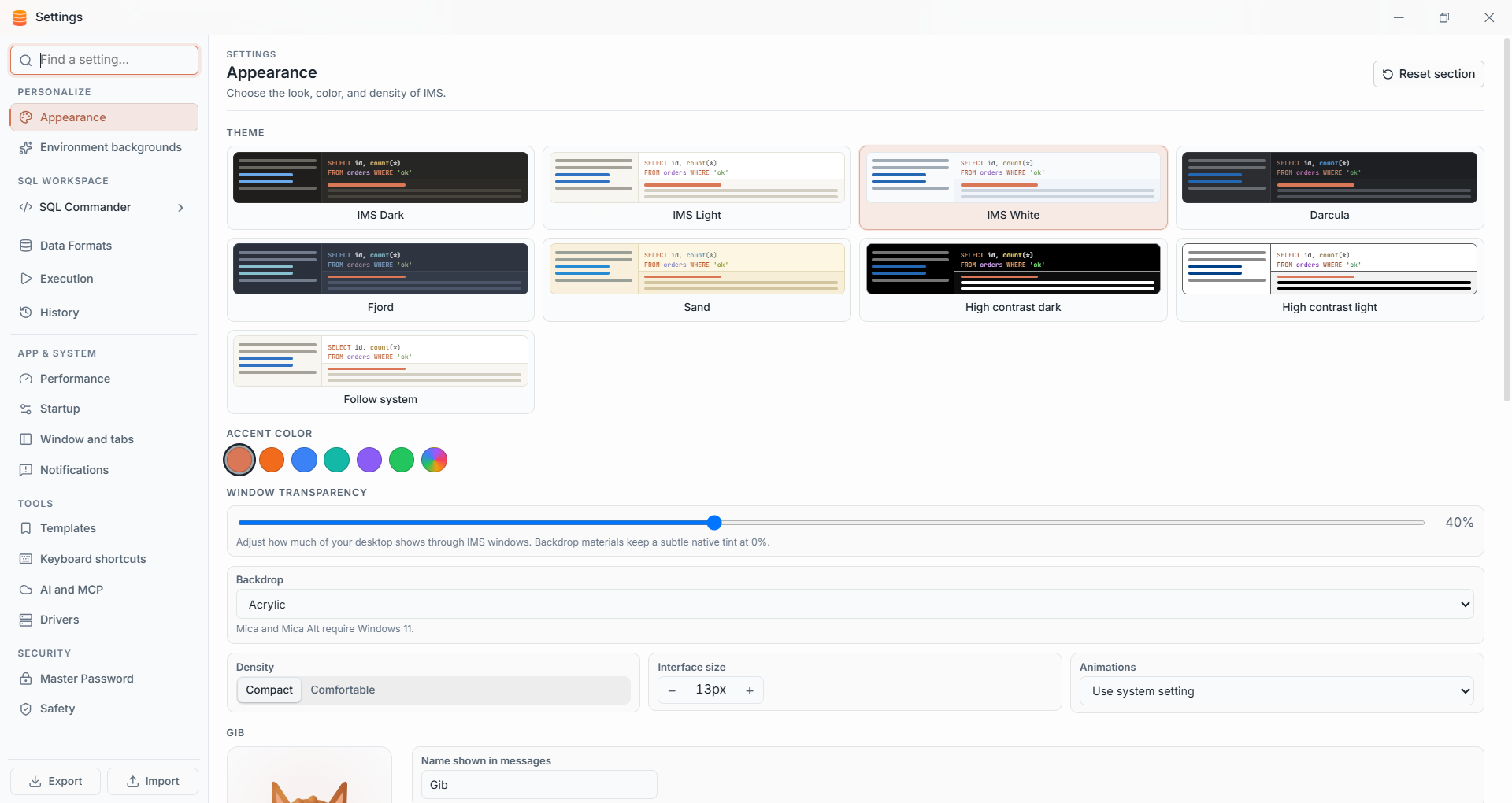
Choose a theme and accent, tune window transparency and adjust the interface density to suit your setup.
Themes · density · appearanceExplore more of IMS through real screenshots from the application.
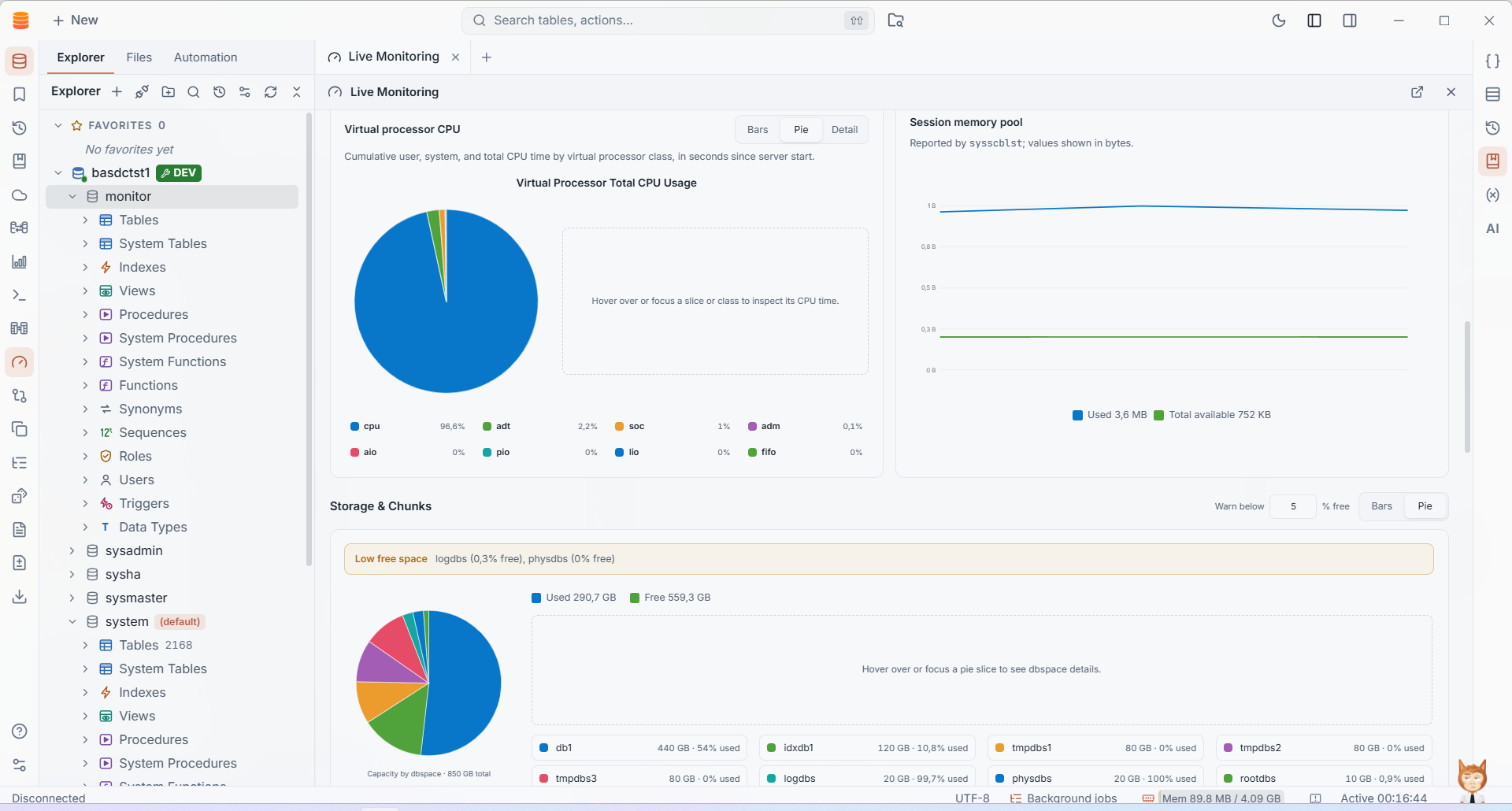
Review virtual processor CPU, dbspace capacity and session memory, with detailed chart views and warning thresholds.
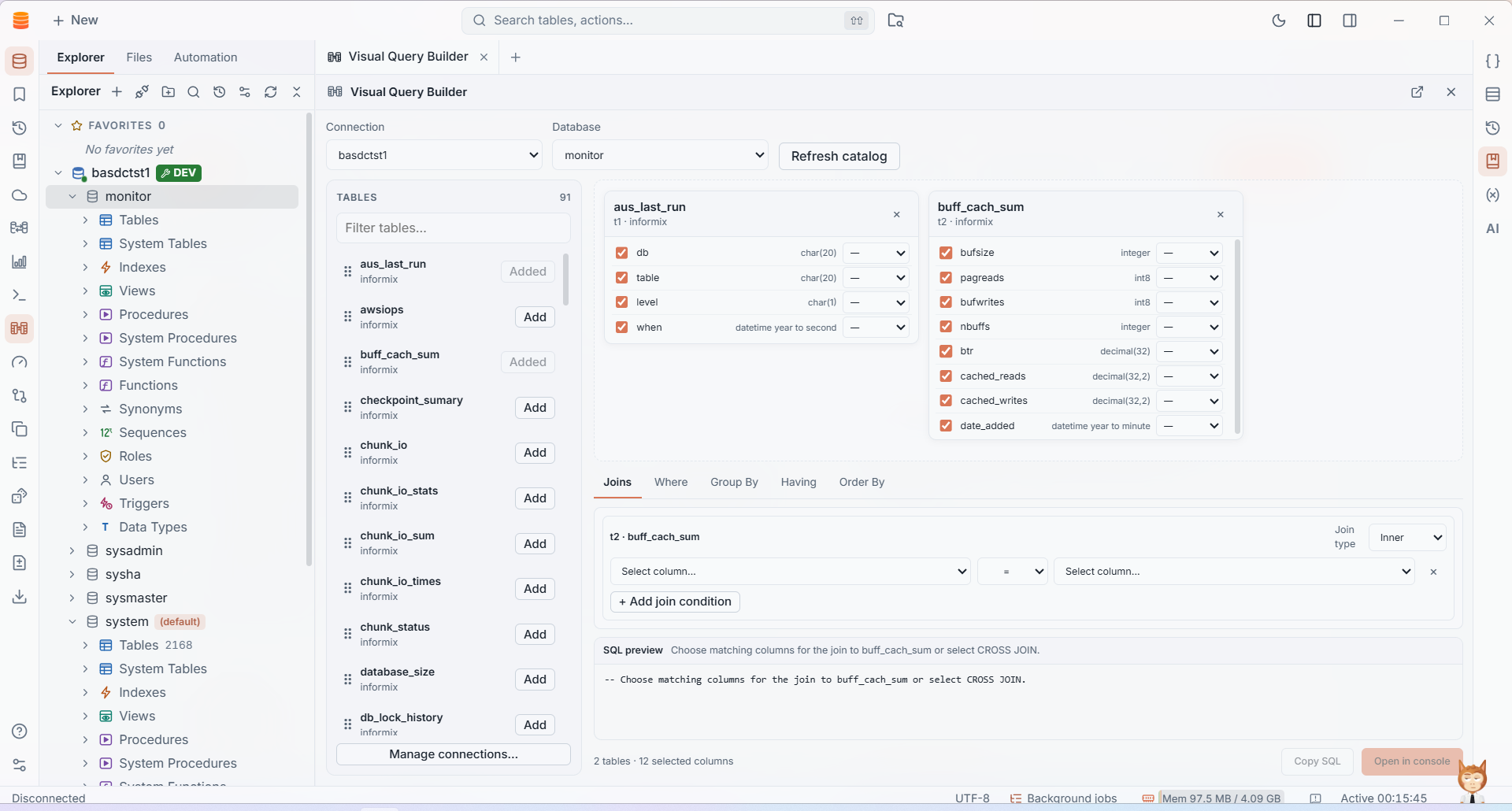
Add tables, choose columns, define joins and review the SQL preview as you shape a query.
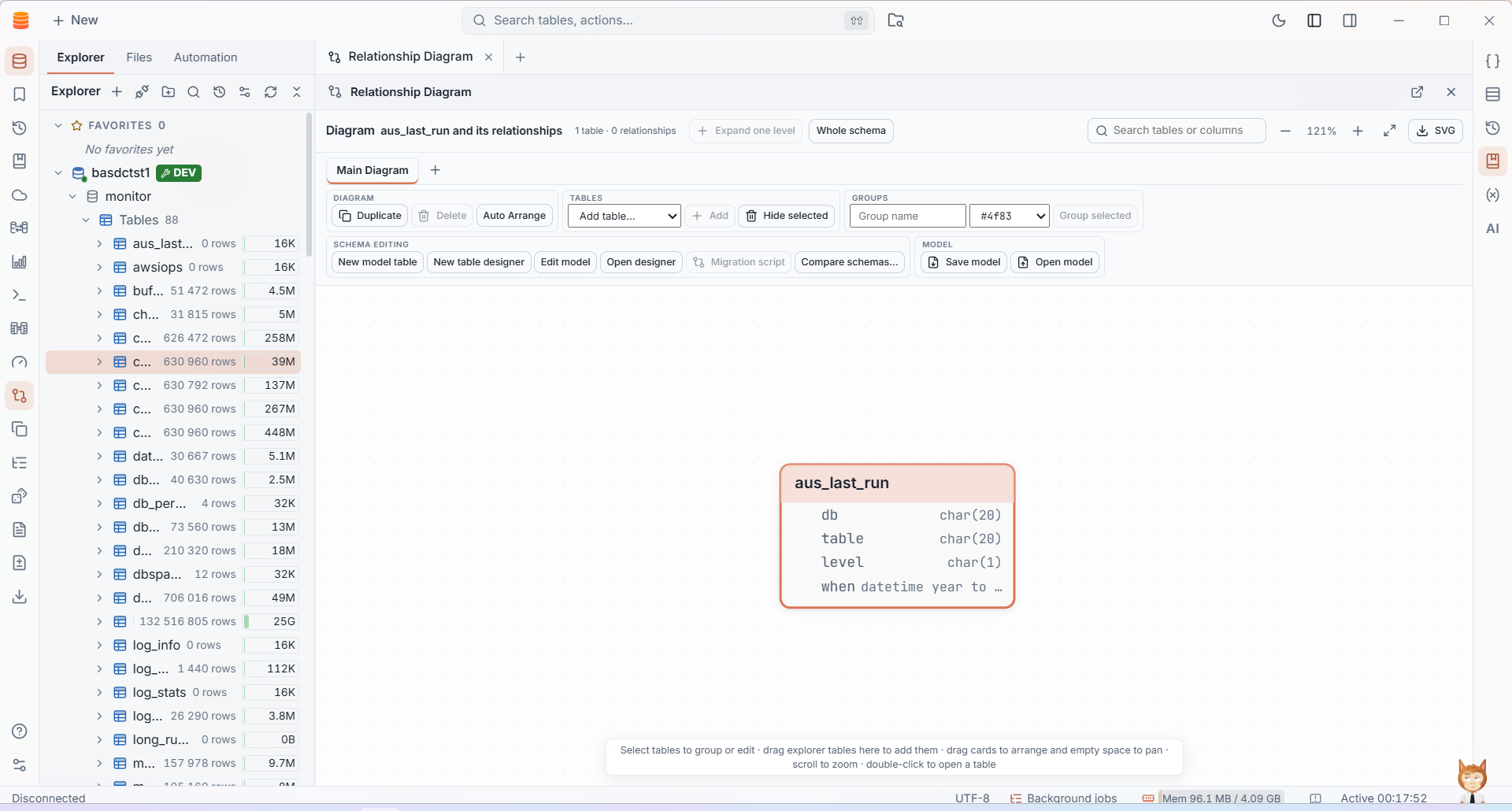
Arrange tables in a visual schema diagram, inspect relationships and organize objects into groups.
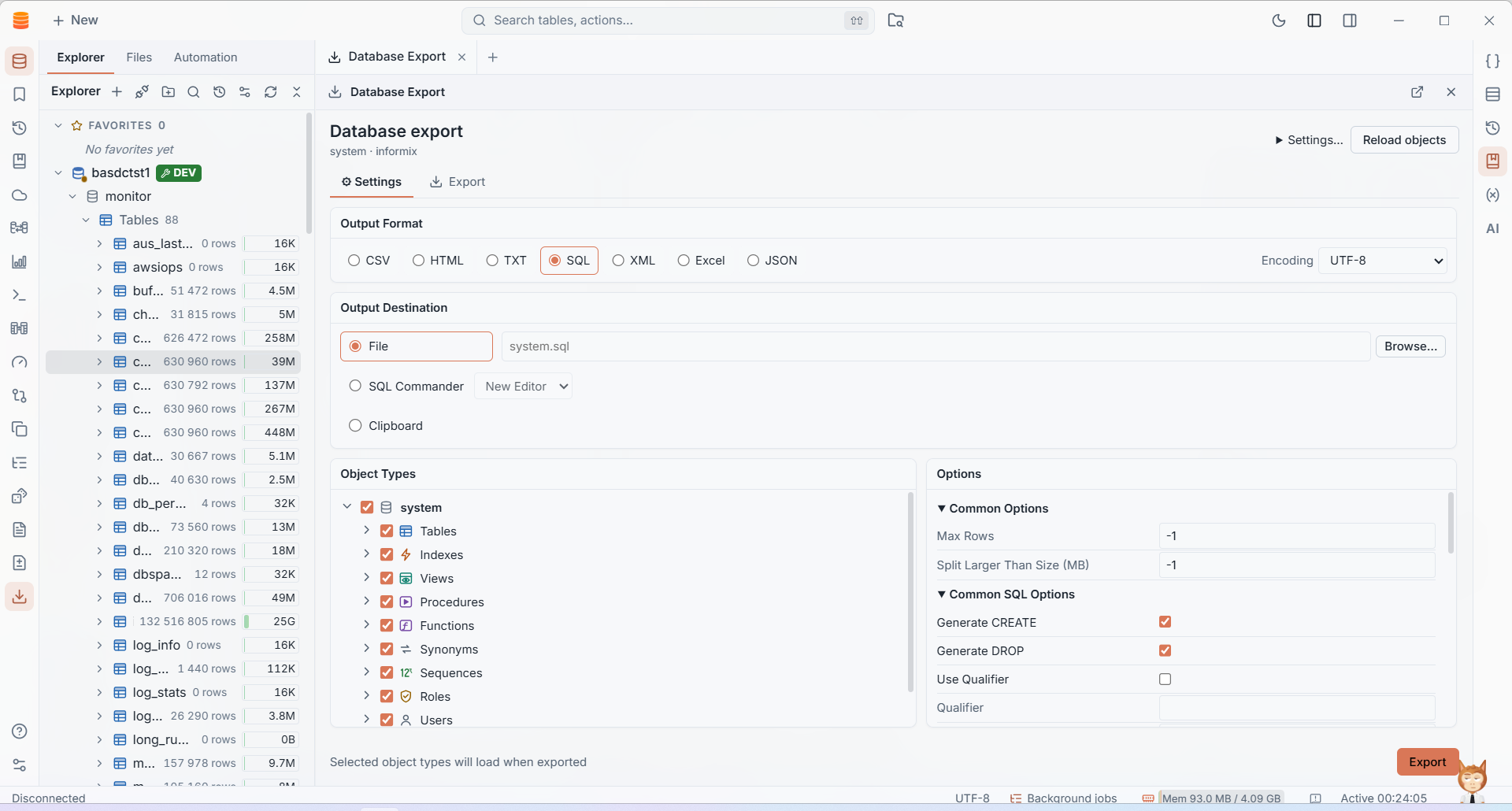
Export database objects and data to common formats, a file, the SQL Commander or the clipboard.
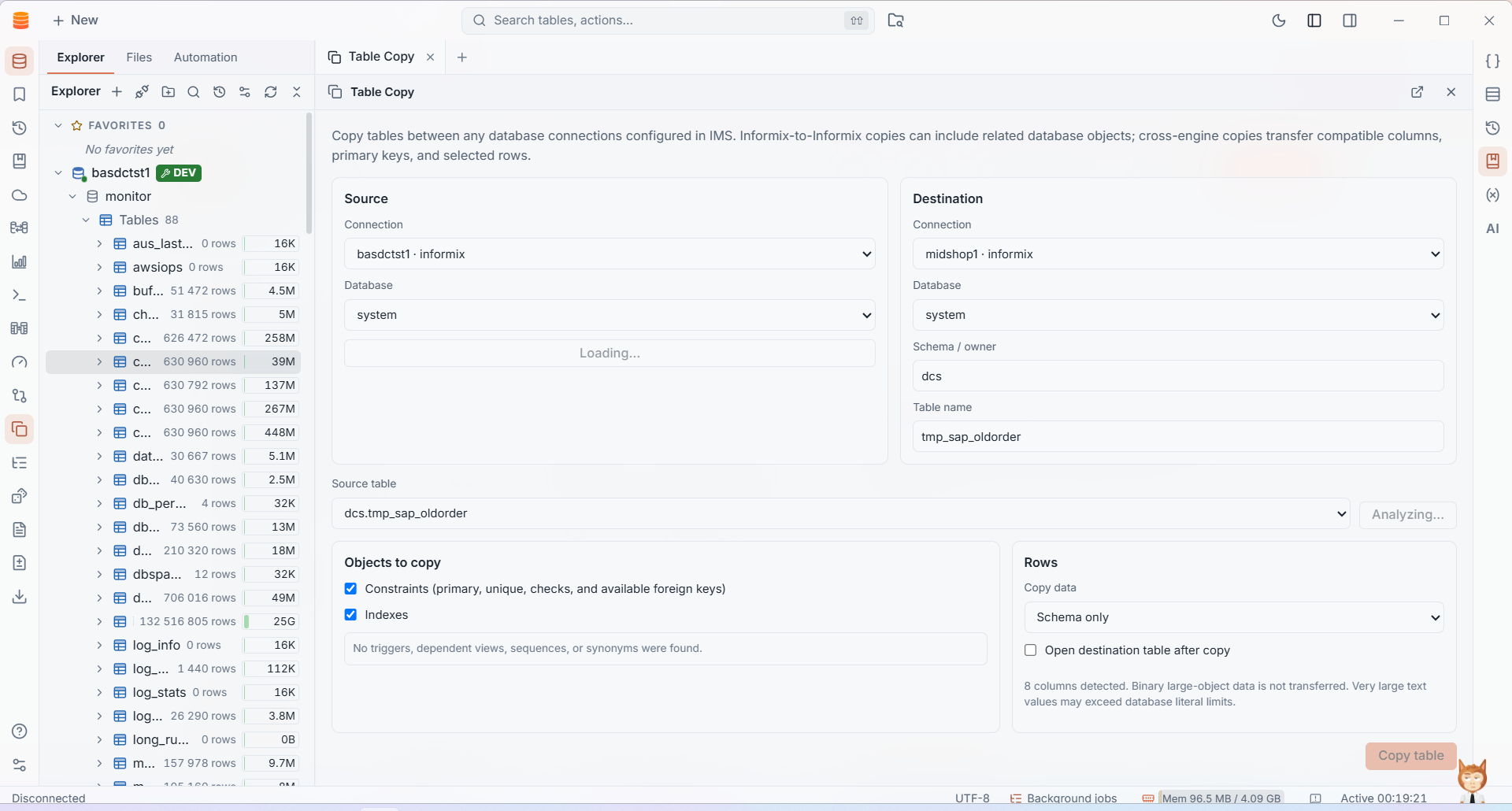
Copy table structures and compatible data across configured database connections, including cross-engine workflows.
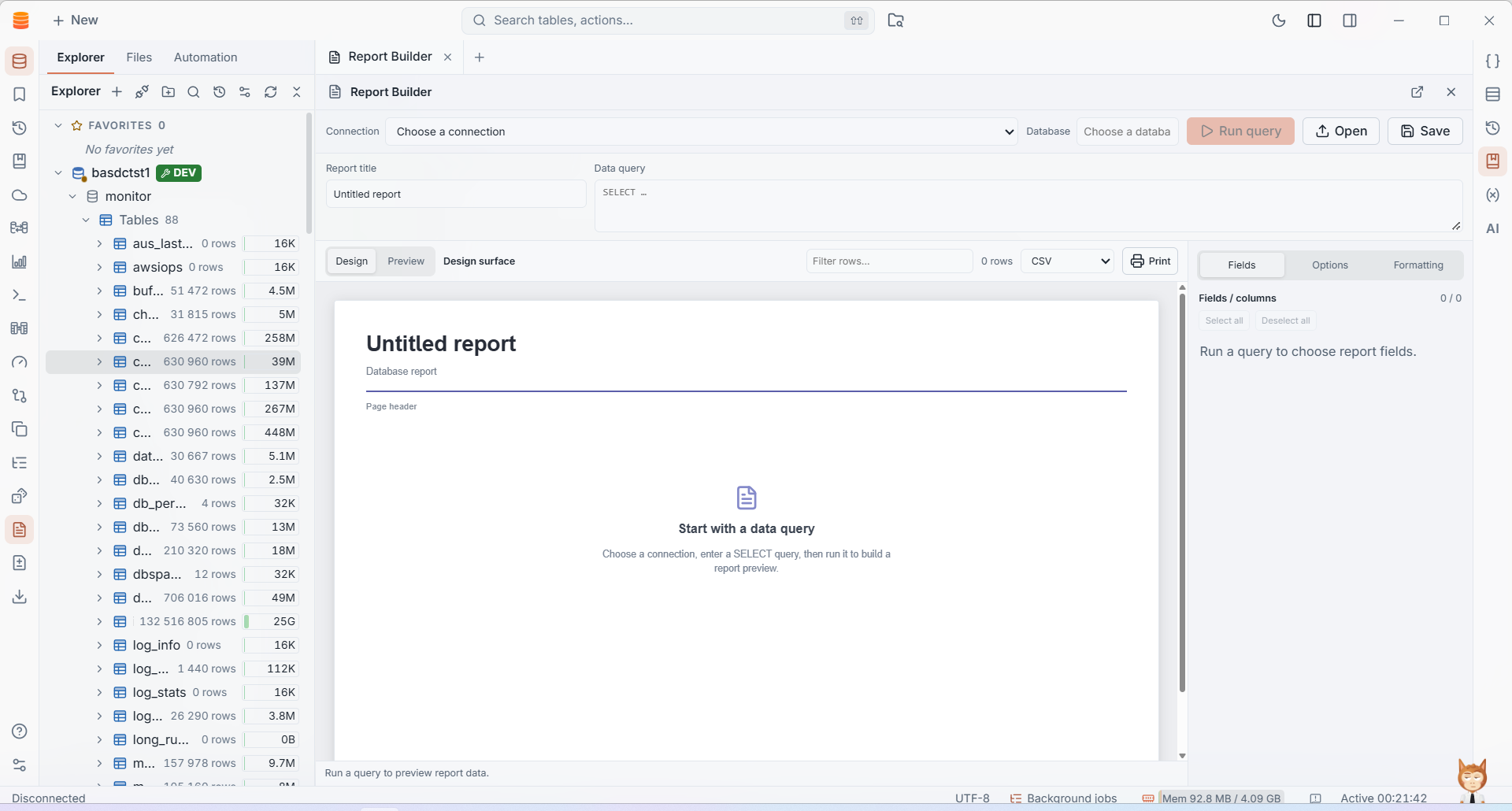
Run a database query, choose fields and shape a report for preview, printing or export.
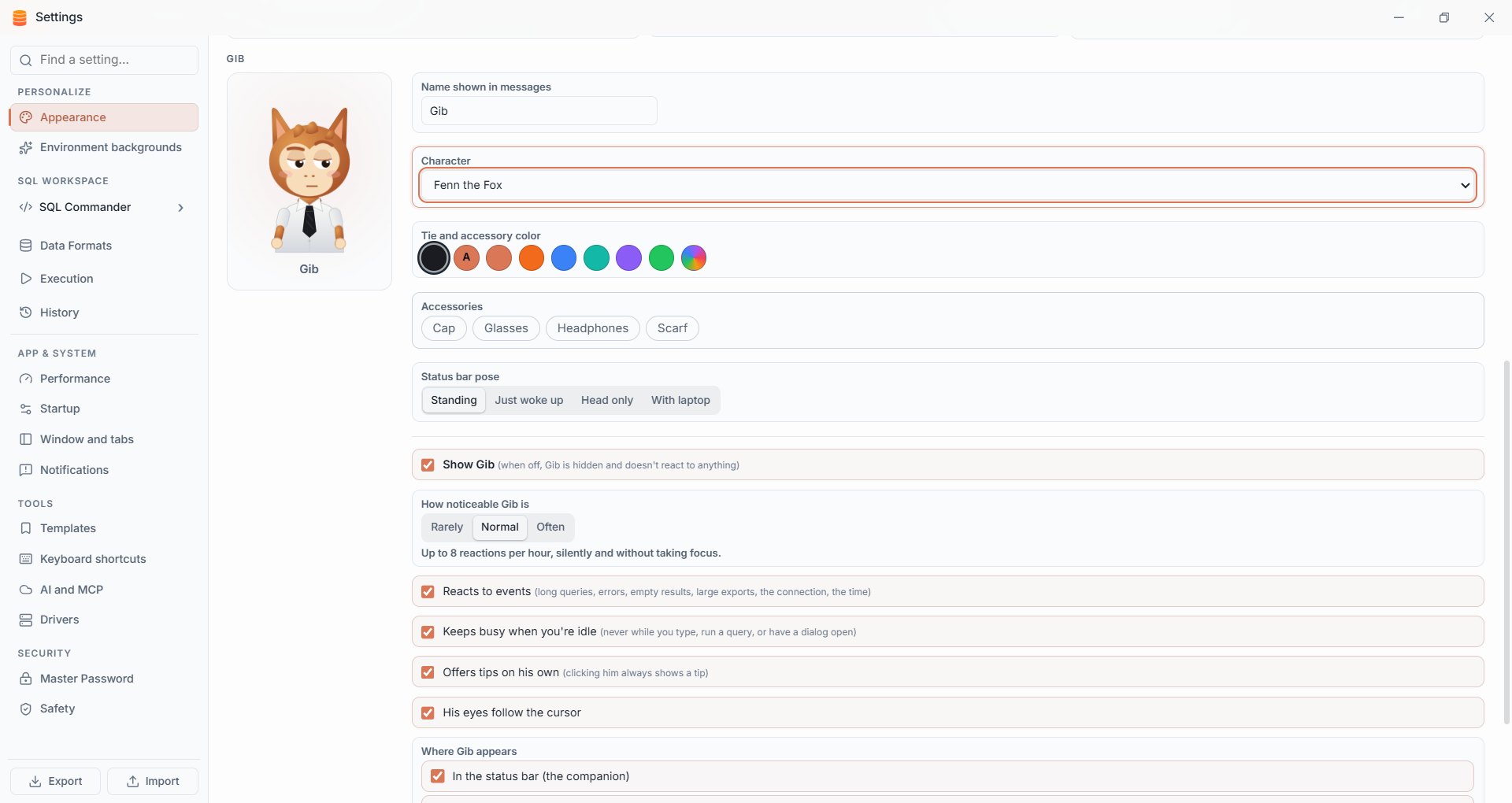
Choose Gib’s character, name, colors and accessories, then set how often he reacts and where he appears in the workspace.
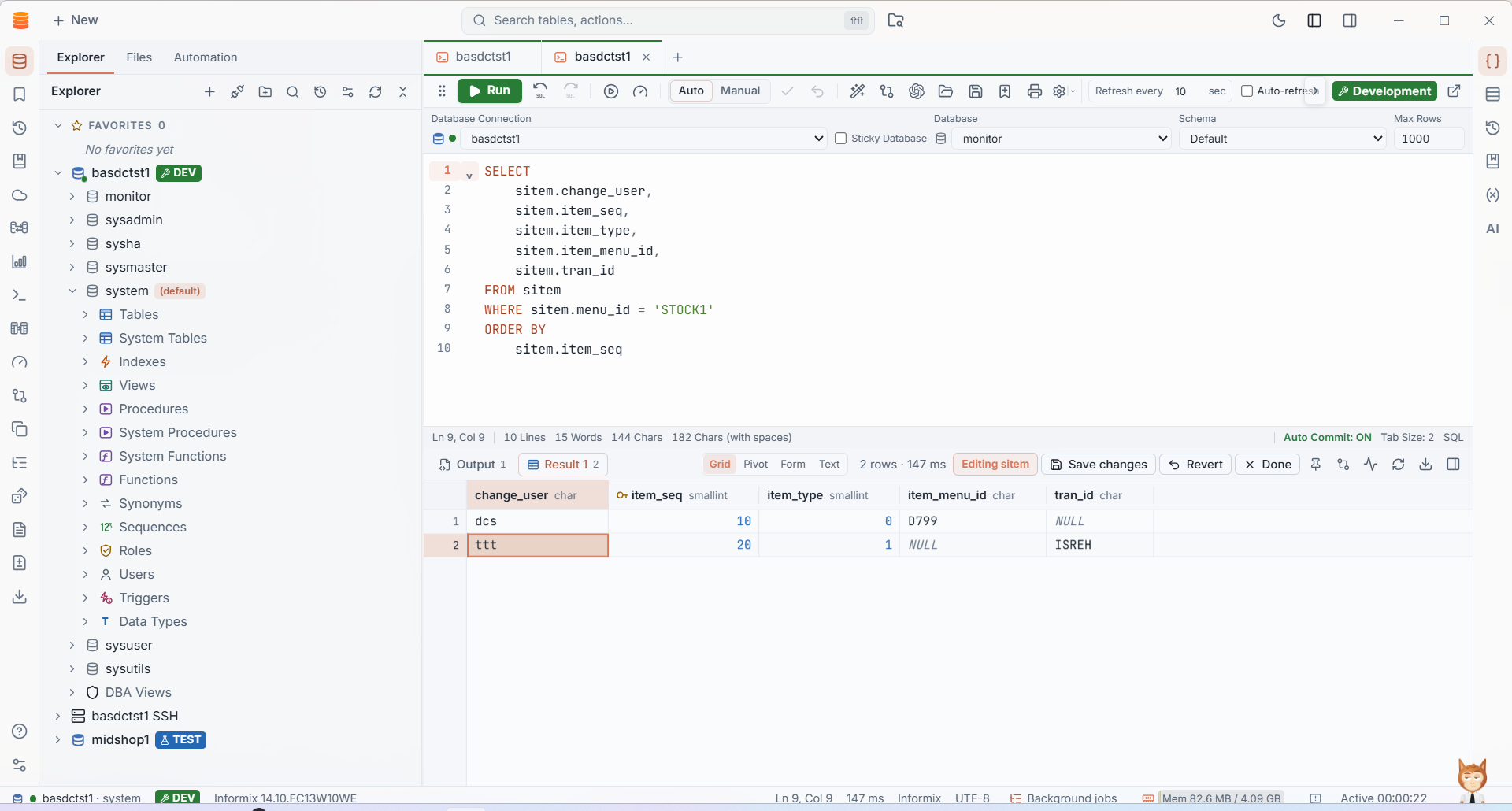
Change editable values as you review query results, then review and save your changes without leaving the SQL workspace.
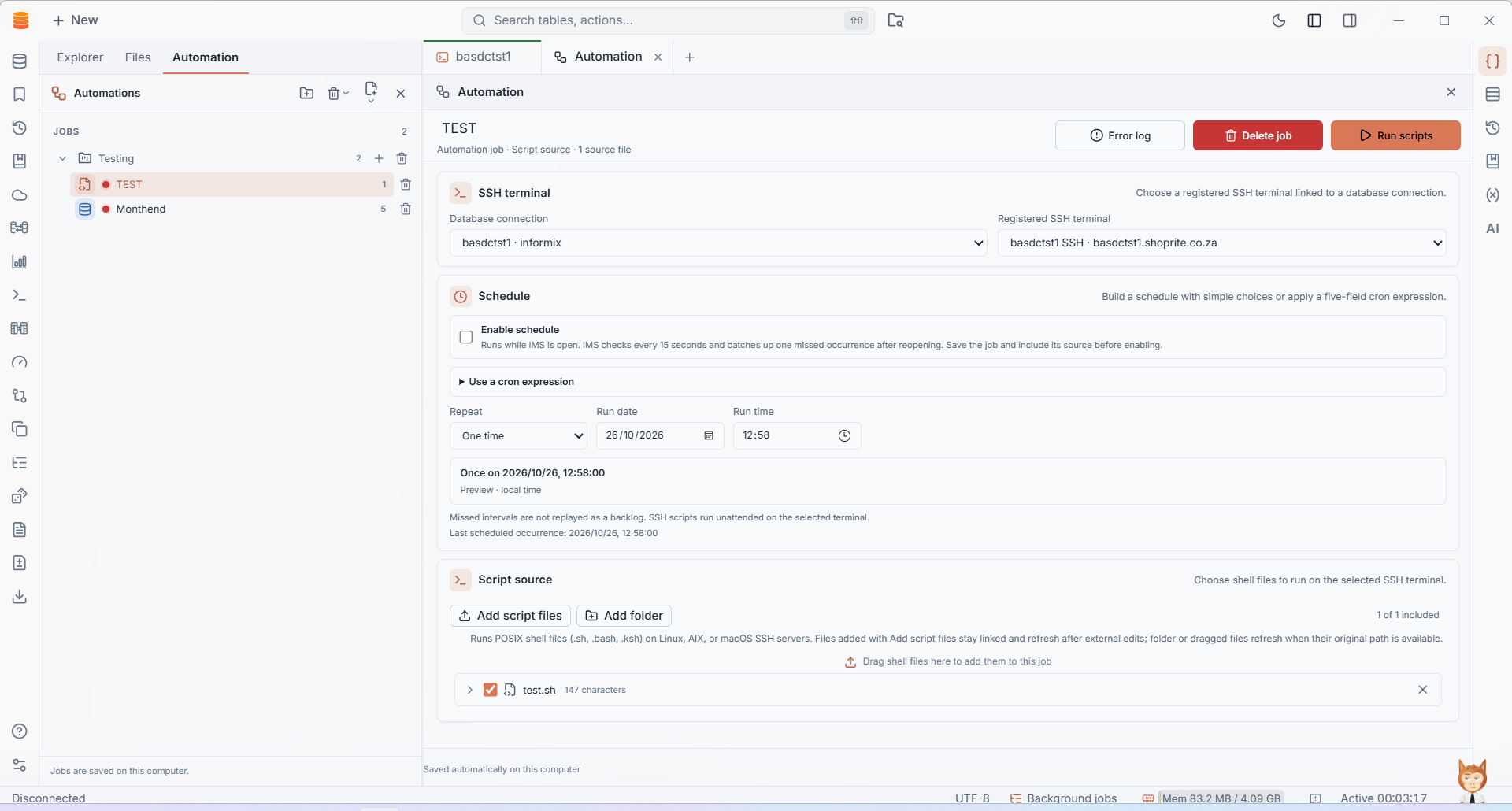
Use a registered SSH terminal to run and schedule POSIX shell files on Linux, AIX, macOS and other SSH-accessible POSIX systems. Review run status and script output in IMS.
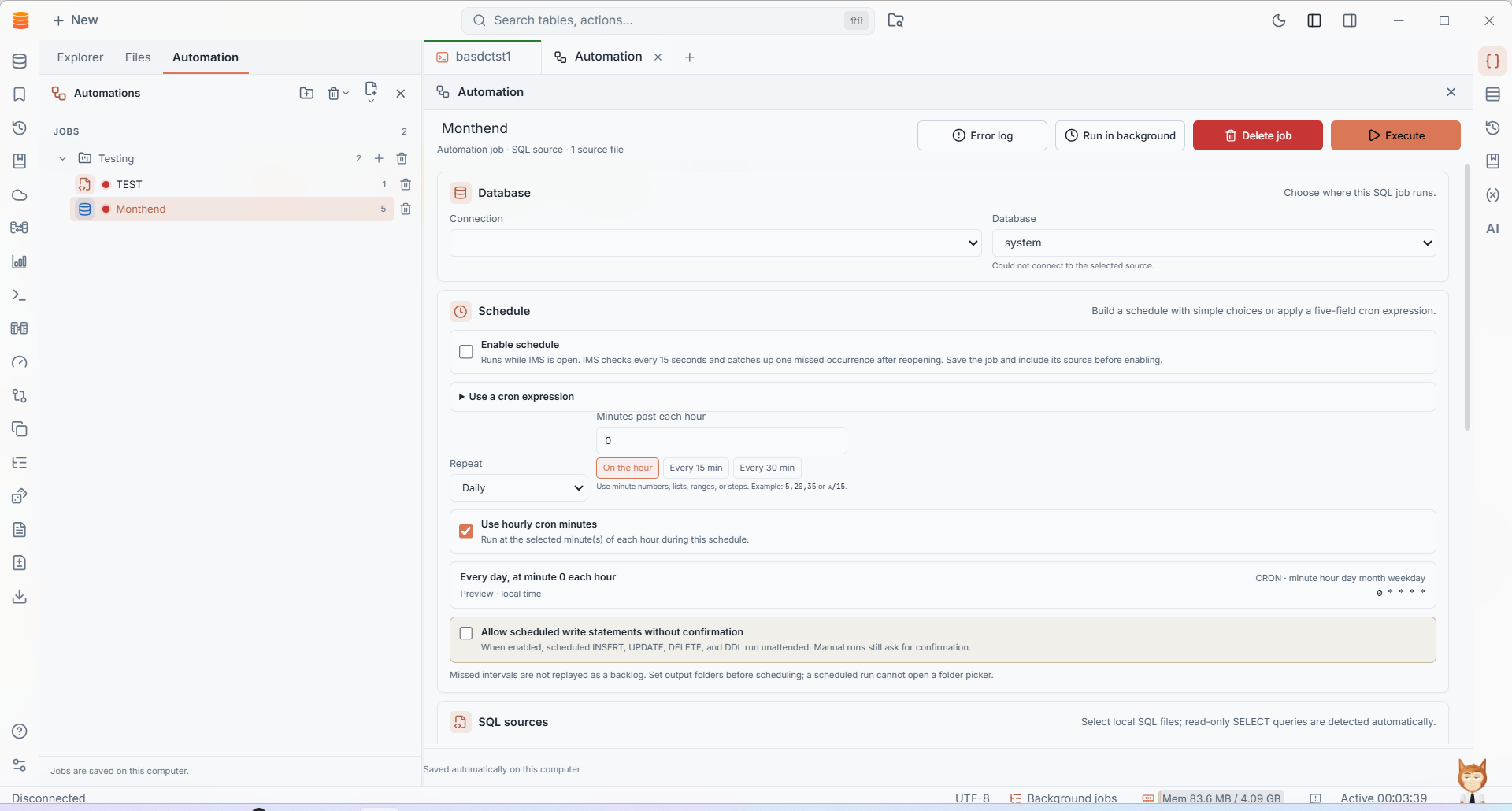
Keep working while SQL source files run, or schedule them for later. Export query results to separate files or a combined workbook in CSV, TSV, Excel, JSON, HTML, Markdown or XML.
IMS brings Informix connections, SQL, schema browsing and live server information into the same desktop workflow. Connect through the supported Informix drivers and choose the tools that fit your environment.
IMS gives database work a consistent home, while respecting the differences between engines.
Organize database connections, folders and SSH tunnels in one navigator.
Move between schema objects, SQL, execution plans and results without switching tools.
Save scripts, automate regular tasks and compare the data or schema you care about.
Import saved connections from DBeaver or DbVisualizer, use SSH tunnels and keep work organized across database engines.
Get the latest release for Windows, macOS or Linux, or explore the project and its release notes on GitHub.